Work Console
日本語: Work Console
The Work Console is where an operator works hands-on inside one Project: a terminal that stays inside the Project folder and asks before anything consequential runs, and push-to-talk voice for giving instructions in Japanese or English.
Status as of 25 October 2026, release 2.2.0:
| Part | Status |
|---|---|
Terminal broker in the gateway (terminal.* methods) |
Built |
Voice in the gateway (voice.* methods, local adapters) |
Built |
| Approval guard that refuses voice-originated approvals | Built |
| Desktop console screens (terminal, run timeline, voice) | Terminal: connected to the broker (once-only approvals, replay on reconnect, lost-session recovery). Voice capture and transcript review: available. Run timeline: not complete |
Governed terminal
Section titled “Governed terminal”The terminal is owned by the gateway, not by the desktop app. The desktop window has no shell, file system or process permission of its own; every keystroke goes through authenticated gateway methods.
- One Project, one folder. A session starts at the Project root and every path a command names must stay inside it. A Project in read mode (参照) cannot open a terminal.
- Line gating. Nothing reaches a shell until Enter. Each line is checked against the Project’s mode, the destructive-command guard, a classifier (privilege elevation, detaching, command substitution and unapproved interactive programs are refused) and the path guard.
- Read-only folders. Folders the Project marks read-only (
rules.readOnly, for examplesource/,data/anddocs/in the industrial modernisation template) cannot be written, created in, deleted, moved or chmod-ed from the terminal in any mode: the line is refused withread-only-pathand no approval is offered. Reading them works as usual. To unlock a folder, change the Project’s read-only list. A write the line does not show (a script, a build tool) is flagged as a policy violation in the diff and the audit log. - Approvals. In plan mode (計画), and in act mode (実行) with the new-installation setting, every line that is not read-only waits for an explicit approval. An unanswered approval counts as denied. After approval the line is checked again before it runs.
- Clean environment. Each approved line runs in a fresh shell without rc files or aliases, with an allowlisted environment: the gateway’s tokens and keys are not inherited.
- Diffs. Before and after each command that is not read-only, the Project’s files are compared; the change arrives as a diff the operator can review. Changes inside read-only folders are marked as violations and listed first.
- Audit. Every open, command (with its decision and risk), approval, exit, cancel and close is written to the hash-chained audit log; output and command lines are redacted for secrets.
- Optional container.
console.terminal.sandbox: "required"runs every session in the container sandbox with only the Project folder mounted, and never falls back to the host.
Read the limits before enabling the terminal on a host without the sandbox: the gate classifies the words of a line, and an approved program runs with the rights of the operating-system user. Details, threat model and protocol: Console terminal broker.
Push-to-talk voice
Section titled “Push-to-talk voice”Hold to talk in Japanese or English; the transcript appears in the composer, the operator edits it, and sends it as an ordinary chat message.
- Off by default. Nothing listens until an administrator enables voice.
- Local first. The built-in adapters run on the same machine: a speech-to-text engine on disk and a voice engine on loopback. A cloud adapter needs a separate administrator opt-in.
- Audio is not kept. Audio is held in memory for the session and discarded when it ends. Keeping audio is an explicit opt-in with its own directory.
- Transcripts are only chat messages. The gateway does not store transcripts; the edited text is stored like anything typed.
- Voice never approves. Every approval method refuses a request that carries a voice origin. Approvals are always an explicit click or key press on screen, never a spoken “yes” or 「承認」.
- Audit without content. Voice sessions are audited with counts and durations, never with audio or transcript text.
Configuration, adapters and limits: Voice (push-to-talk).
Approvals in the desktop app today
Section titled “Approvals in the desktop app today”The desktop app already lists the actions waiting for a person and shows approvals inline in the conversation. The console screens build on the same approval records.
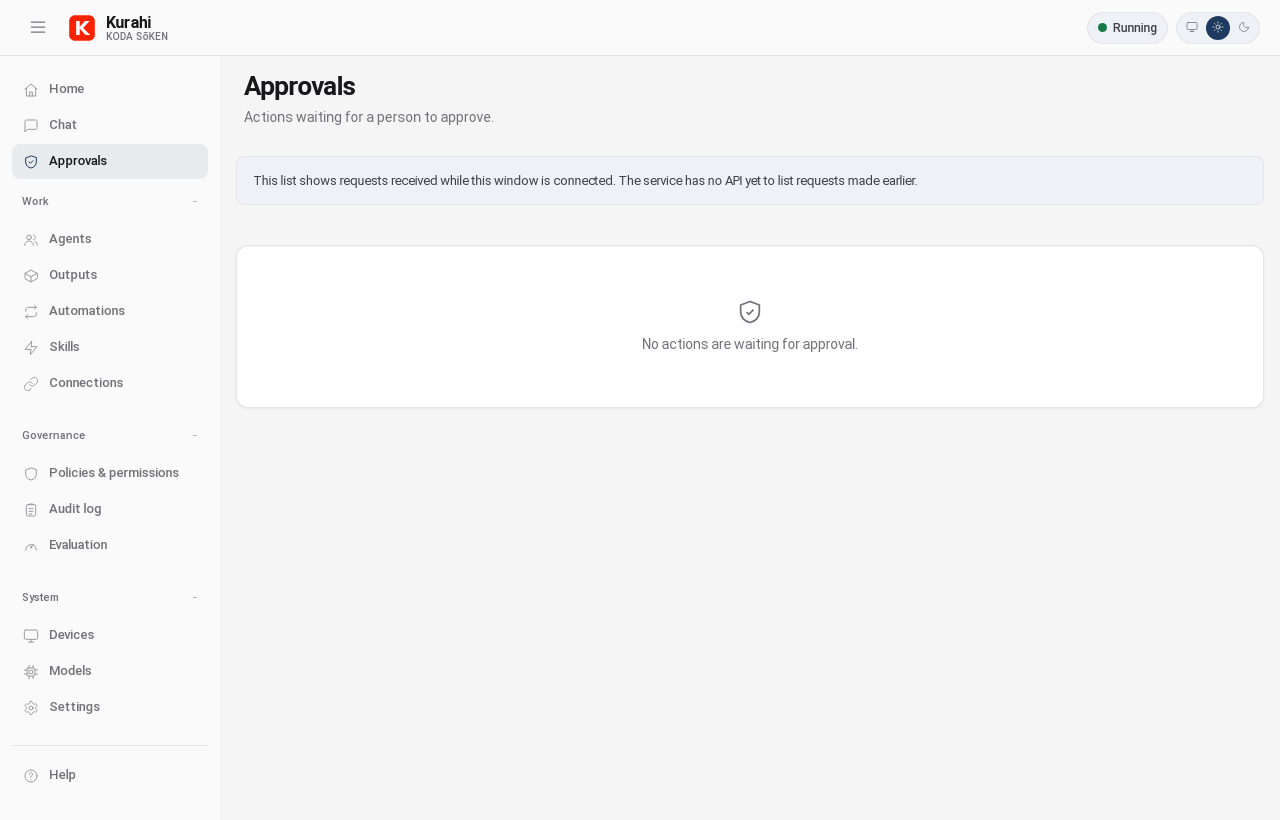
The Approvals screen of the desktop app (English).
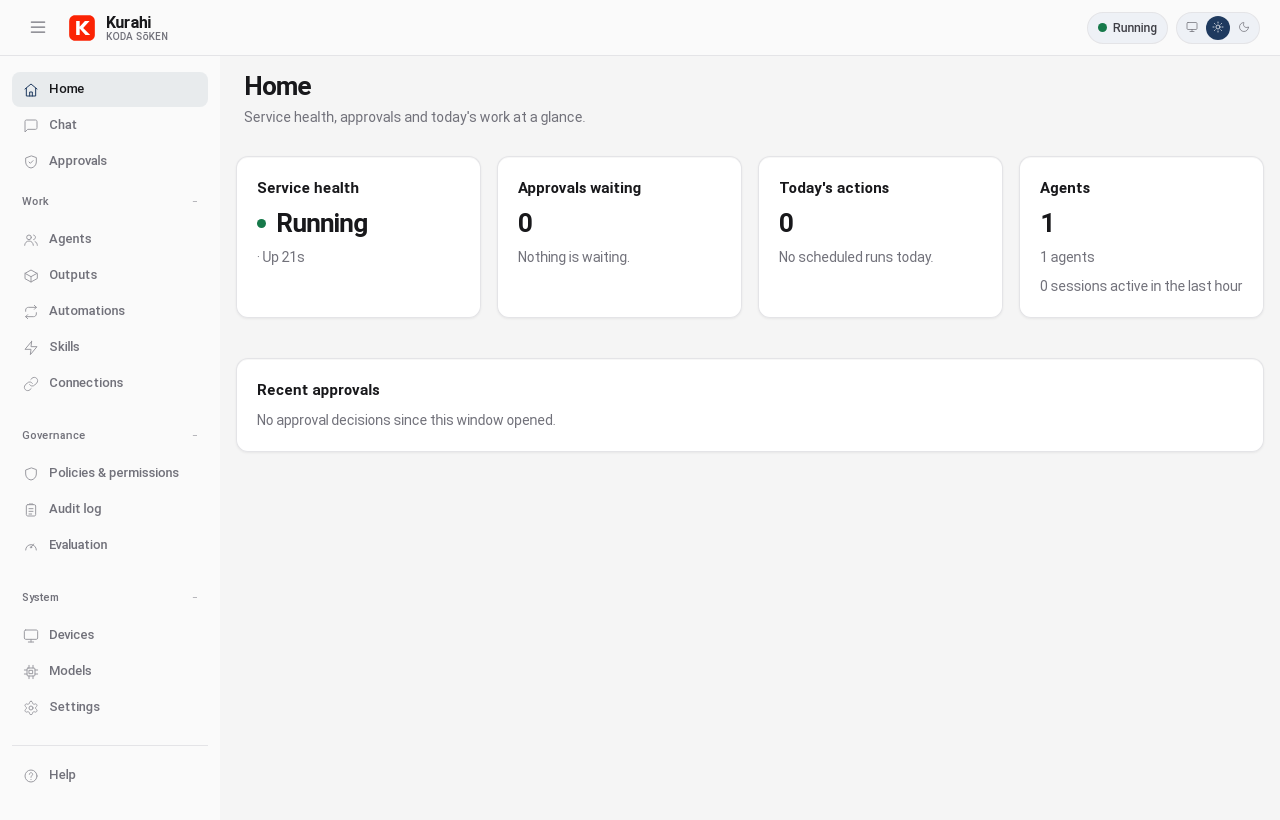
Desktop app home: service health, approvals waiting, today’s actions and agents.