What Kurahi does in this department
Agents prepare; people decide. No agent sends, pays or deletes anything on its own.
Marketing work queue
Requests, cases and documents for this department are kept in one queue; the secretariat inbox routine files incoming mail here when the email belongs to marketing.
- Inputs
- Requests, cases and documents; emails filed here by the secretariat inbox routine when they belong to this department
- Kurahi prepares
- Case with title, category, priority, flags, short summary and next step; reply draft for clean routine mail
- Checks
- Requester and description required; do not claim external actions were performed; document reviews require a source attachment
- Connected systems
- Microsoft 365 mail (read) and Outlook drafts (write.mailDraft); nothing sent
- Autonomy
- L1 準備 via secretariat-inbox-full; no sending, payments, bookings or account changes; flagged mail gets no reply
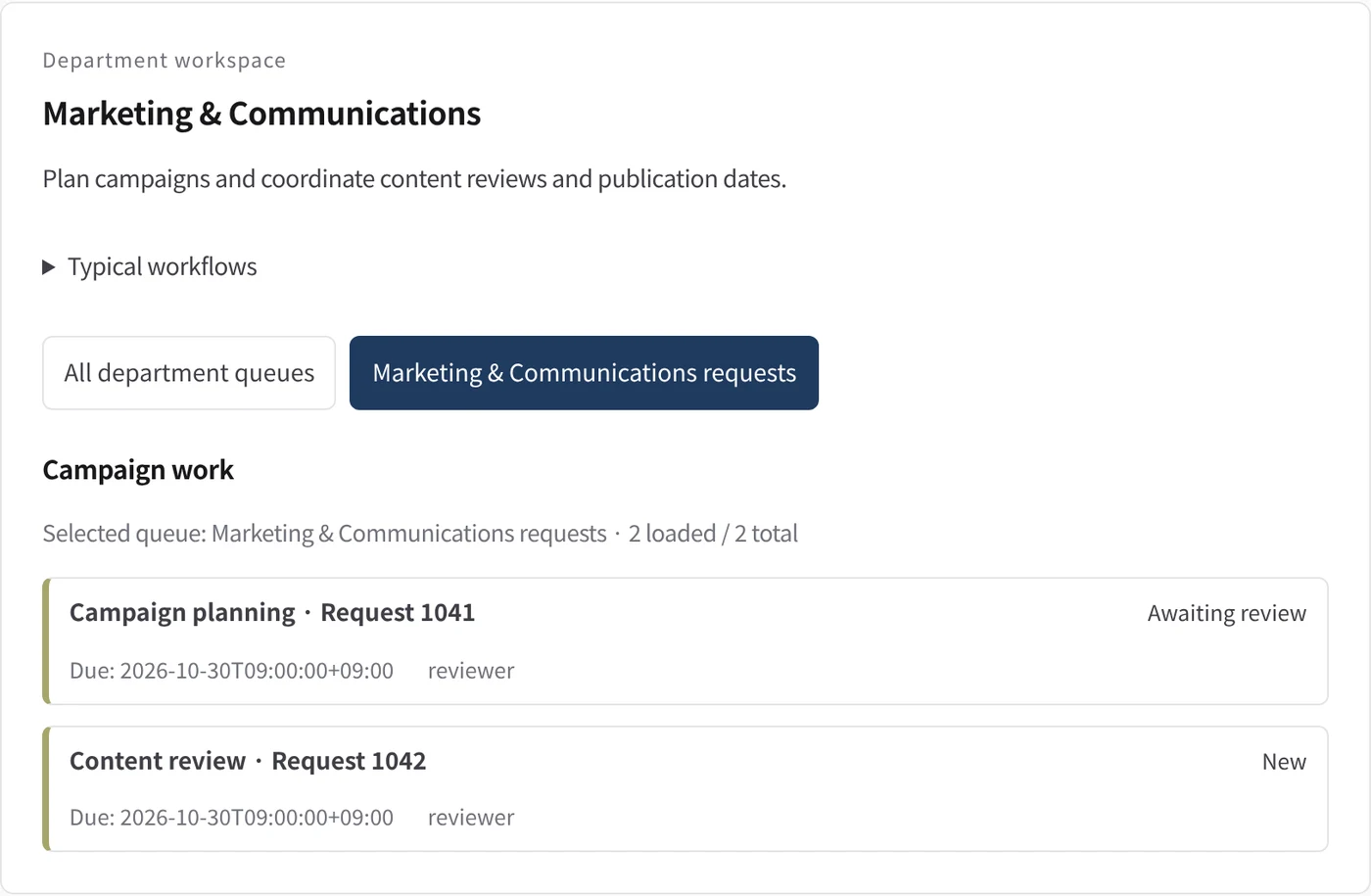
Department workspace: Campaign work
Marketing work is listed by due date and owner, like an agenda.
- Inputs
- Work items in the project queues mapped to this department
- Kurahi prepares
- Read-only list of records with status, due date and owner
Work queues
- Marketing
Policy checks
- Requester and description required
- Do not claim external actions were performed
- Document reviews require a source attachment
In every department
- Its own workspace, and an agent conversation that knows the department
- Incoming mail routed into the department's queue
- Approval routes with the required approvers and separation of duties
- Word, Excel and PowerPoint documents
- Signed evidence for every step
- A morning brief of decisions waiting and items escalated
Shared connectors
- kintone
- Gmail
- Box
- LINE WORKS
- Microsoft 365