Kurahi Business · Department 10 of 15
Customer Service
Customer requests and cases are received in their own queue, prepared as drafts and reviewed by a person. It is served by the company-wide department queue.
What Kurahi does in this department
Agents prepare; people decide. No agent sends, pays or deletes anything on its own.
Customer service work queue
Requests, cases and documents for this department are kept in one queue; the secretariat inbox routine files incoming mail here when the email belongs to customer service.
- Inputs
- Requests, cases and documents; emails filed here by the secretariat inbox routine when they belong to this department
- Kurahi prepares
- Case with title, category, priority, flags, short summary and next step; reply draft for clean routine mail
- Checks
- Requester and description required; do not claim external actions were performed; document reviews require a source attachment
- Connected systems
- Microsoft 365 mail (read) and Outlook drafts (write.mailDraft); nothing sent
- Autonomy
- L1 準備 via secretariat-inbox-full; no sending, payments, bookings or account changes; flagged mail gets no reply
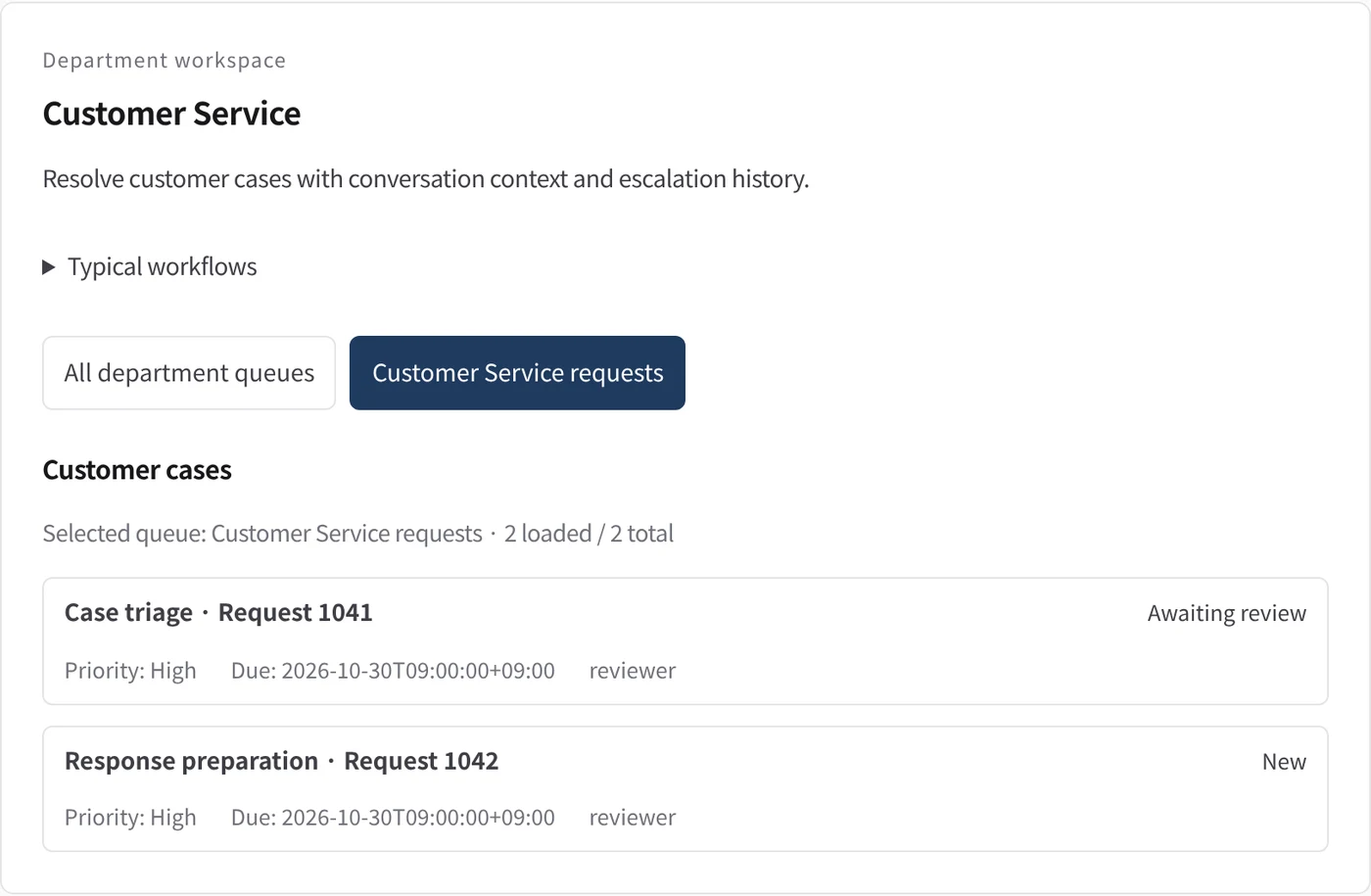
Department workspace: Customer cases
Customer cases are listed with priority, due date and owner.
- Inputs
- Work items in the project queues mapped to this department
- Kurahi prepares
- Read-only list of records with status, priority, due date and owner
Work queues
- Customer service
Policy checks
- Requester and description required
- Do not claim external actions were performed
- Document reviews require a source attachment
In every department
- Its own workspace, and an agent conversation that knows the department
- Incoming mail routed into the department's queue
- Approval routes with the required approvers and separation of duties
- Word, Excel and PowerPoint documents
- Signed evidence for every step
- A morning brief of decisions waiting and items escalated
Shared connectors
- kintone
- Gmail
- Box
- LINE WORKS
- Microsoft 365
Mulailah dengan satu alur kerja.
Ceritakan pekerjaan yang ingin Anda serahkan. Kami akan menunjukkan Kurahi pada proses yang mirip dengan milik Anda, lalu membantu Anda memutuskan sejauh mana melangkah.
Hubungi kami
Percakapan tentang pekerjaan, sistem yang terlibat, dan siapa menyetujui apa.
Hubungi kamiMinta penawaran
Staf digital, tata kelola data, penerapan terisolasi, dan dukungan SLA, melalui perjanjian tertulis.
Minta penawaranMulai gratis
Pasang Kurahi di server Anda dan gunakan edisi, antrean kerja, dan Autopilot pada L0 dan L1 tanpa biaya.
Mulai gratis