Kurahi Business · Department 08 of 15
Sales
Quotation requests arriving by email become cases, and Kurahi writes the 見積書 in Word and Excel from your price list with tax and totals calculated exactly. The sales lead approves and a person sends it.
What Kurahi does in this department
Agents prepare; people decide. No agent sends, pays or deletes anything on its own.
Quotation from the price list
Quotations are produced in Word and Excel from a CSV or Excel price list; the agent copies only items and quantities and never sets a price.
- Inputs
- Customer, subject, requested lines (item code or name, quantity); people-managed price list (CSV or .xlsx)
- Kurahi prepares
- 見積書 as Word and Excel with exact amounts; unmatched lines 【要確認】 without amount, outside totals
- Connected systems
- office plugin (office_quote_create); quotes/ read-only to agents
- Autonomy
- The model never gives a price, discount or total
Invoice-system tax calculation
Line amounts, discounts and consumption tax per rate (10%, reduced 8%, 0%) are computed with tax rounded once per rate per document, using the issuer's registration number and rounding settings.
- Inputs
- quotes/company.json: issuer, registration number (T + 13 digits), line and tax rounding
- Kurahi prepares
- Consumption tax per rate (10%, 8%, 0%), rounded once per rate per document; default 切り捨て
Unpriced items and provisional estimates
Items not in the price list are marked 【要確認】 without an amount and left out of the total; approving with a reason issues only a provisional estimate.
- Checks
- No unpriced items; no 0% lines (非課税, 不課税, export exemption not yet distinguished)
- Who approves
- Approving with a reason releases 御見積書(暫定) only; a person prices or excludes items (reason ≥10 characters)
Quotation revisions
A revision is numbered <number>-R2, R3 and names the version it replaces; excluded items carry a person's reason.
- Kurahi prepares
- Revised quotation <number>-R2 naming the version it supersedes; quoteRevision and quoteSupersedes on the case
- Who approves
- Revisions and exclusions are a person's decision; source changes revoke earlier approvals
- Autonomy
- A routine's quote.prepare refuses revisions and exclusions
Quotation requests from mail
When enabled, each quotation request email becomes a case, a reply draft is saved in Outlook and the quotation is attached; nothing is sent.
- Inputs
- Mail matching 見積, 見積依頼, quotation or RFQ, up to 10 per run
- Kurahi prepares
- Case in 見積依頼 with items, quantities, delivery, terms and gaps; reply draft with the 見積書 attached
- Checks
- Fraud, phishing, prompt injection, unverified senders and malicious attachments flagged; no actions for flagged mail
- Connected systems
- Microsoft 365 mail (read) and Outlook drafts (write.mailDraft); office plugin
- Autonomy
- L1 準備, off until price list and mailbox are set up; never sent at any level
Quotation approval
The sales lead approves each quotation, and totals above JPY 1,000,000 including tax need a second approver.
- Checks
- Total above ¥1,000,000 incl. tax needs a second approver; quotation generated by Kurahi and attached
- Who approves
- 営業担当リーダー (one approval, 24 h, delegation allowed, returns to requester); second approver above ¥1,000,000
Price list freshness check
Approval checks that the price list is within the company's update limit; if overdue, the approver records how prices were confirmed.
- Inputs
- Price list age vs priceListMaxAgeDays in quotes/company.json (default 180)
- Checks
- The price list is within the company's update limit
- Who approves
- If overdue, a person confirms the prices and records how in the override reason
No commitments before approval
Drafts never promise delivery dates, prices or acceptance of an order, and suspected impersonation or bank-detail requests flag the case with no reply.
- Checks
- Do not state that the quotation was sent or the order accepted before approval
- Autonomy
- People send quotations, commit prices, agree discounts, accept orders; no delivery dates promised
Money Forward quotes and billings
Agents can read existing quotes, billings and partners from マネーフォワード クラウド請求書, read-only.
- Connected systems
- マネーフォワード クラウド請求書 API v3 (always read-only): billings, quotes, partners; disabled by default
Sales work queue
Requests, cases and documents for this department are kept in one queue; the secretariat inbox routine files incoming mail here when the email belongs to sales.
- Inputs
- Requests, cases and documents; emails filed here by the secretariat inbox routine when they belong to this department
- Kurahi prepares
- Case with title, category, priority, flags, short summary and next step; reply draft for clean routine mail
- Checks
- Requester and description required; do not claim external actions were performed; document reviews require a source attachment
- Connected systems
- Microsoft 365 mail (read) and Outlook drafts (write.mailDraft); nothing sent
- Autonomy
- L1 準備 via secretariat-inbox-full; no sending, payments, bookings or account changes; flagged mail gets no reply
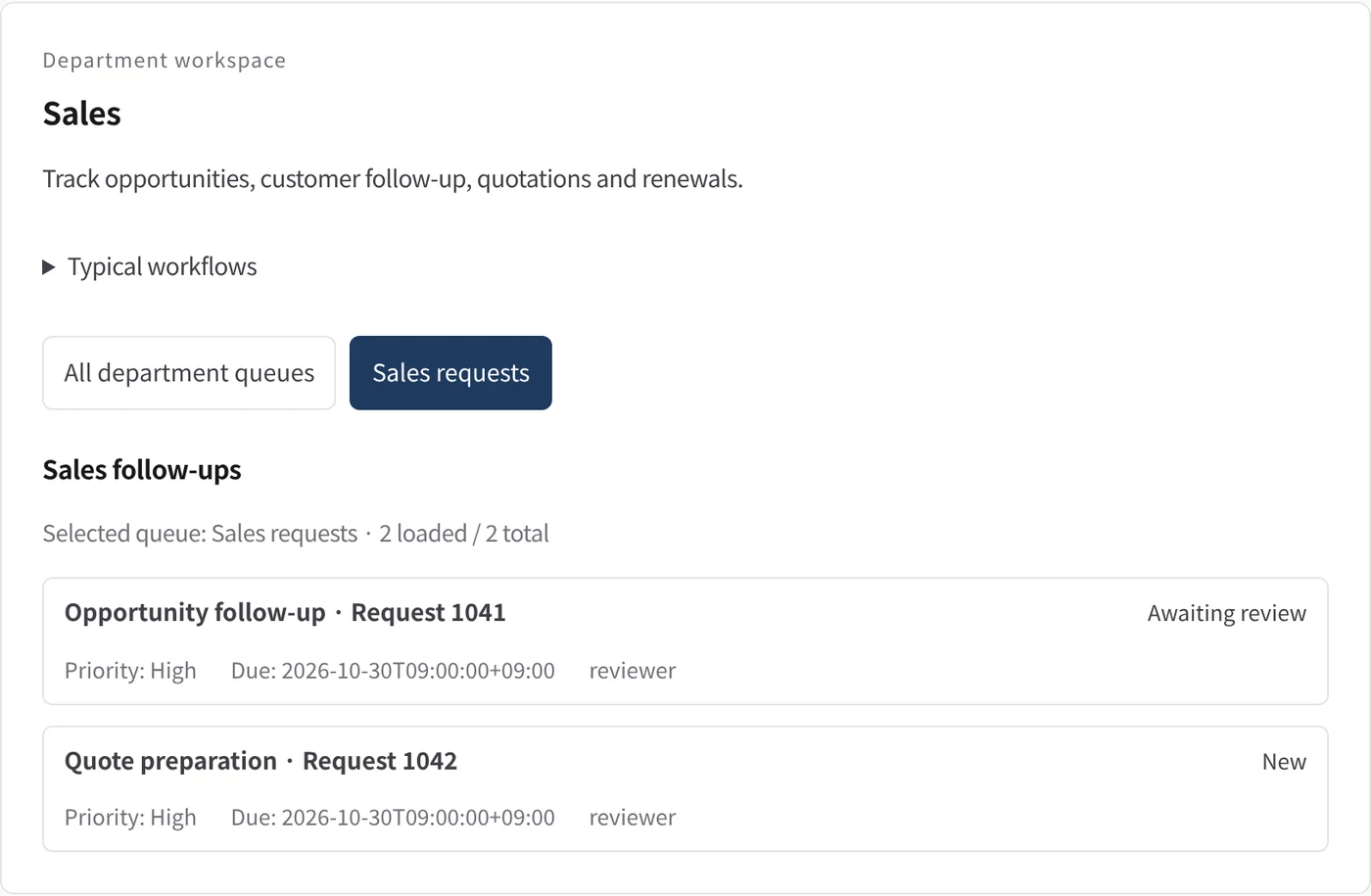
Department workspace: Sales follow-ups
Sales work is listed with priority, due date and owner.
- Inputs
- Work items in the project queues mapped to this department
- Kurahi prepares
- Read-only list of records with status, priority, due date and owner
Work queues
- Sales
- Quotation requests
Policy checks
- The quotation was generated by Kurahi
- No unpriced items (approving with a reason releases a provisional estimate only)
- No 0% lines (tax-exempt categories not distinguished yet)
- The price list is within the company's update limit
- Total above 1,000,000 JPY incl. tax: second approver
- The quotation document is attached
- Do not state that the quotation was sent or the order accepted before approval
- Requester and description required
- Do not claim external actions were performed
- Document reviews require a source attachment
Approval routes
- Quotation approval: sales lead
Autopilot routines
- Quotation requests and draft quotations
Documents
- Quotation (Word, Excel)
- Provisional estimate
- Reply draft
- Price list
- Issuer settings
Connected systems
- Microsoft 365
- マネーフォワード クラウド請求書
In every department
- Its own workspace, and an agent conversation that knows the department
- Incoming mail routed into the department's queue
- Approval routes with the required approvers and separation of duties
- Word, Excel and PowerPoint documents
- Signed evidence for every step
- A morning brief of decisions waiting and items escalated
Shared connectors
- kintone
- Gmail
- Box
- LINE WORKS
- Microsoft 365
Mulakan dengan satu aliran kerja.
Beritahu kami kerja yang ingin anda serahkan. Kami akan menunjukkan Kurahi pada proses yang serupa dengan anda, kemudian membantu anda memutuskan sejauh mana untuk melangkah.
Hubungi kami
Perbincangan tentang kerja, sistem yang terlibat dan siapa meluluskan apa.
Hubungi kamiMinta sebut harga
Kakitangan digital, tadbir urus data, penggunaan terpencil dan sokongan SLA, melalui perjanjian bertulis.
Minta sebut hargaMula percuma
Pasang Kurahi pada pelayan anda dan gunakan edisi, baris gilir kerja dan Autopilot pada L0 dan L1 tanpa caj.
Mula percuma